
Virtual staging AI for real estate photos
Virtual staging AI that furnishes a photo of an empty room in the style you choose. Upload the photo, pick a room type and one of 12 styles, press Generate and download a 2K or 4K photo for your listing.
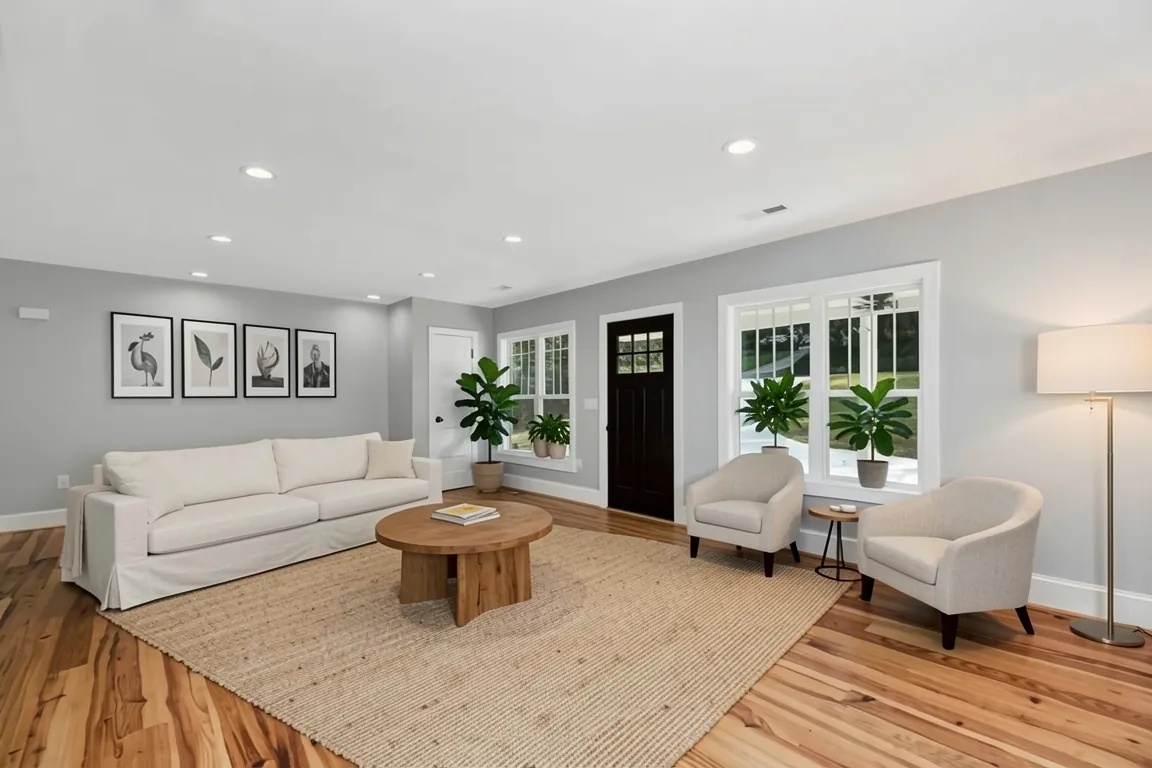
 BeforeAfter
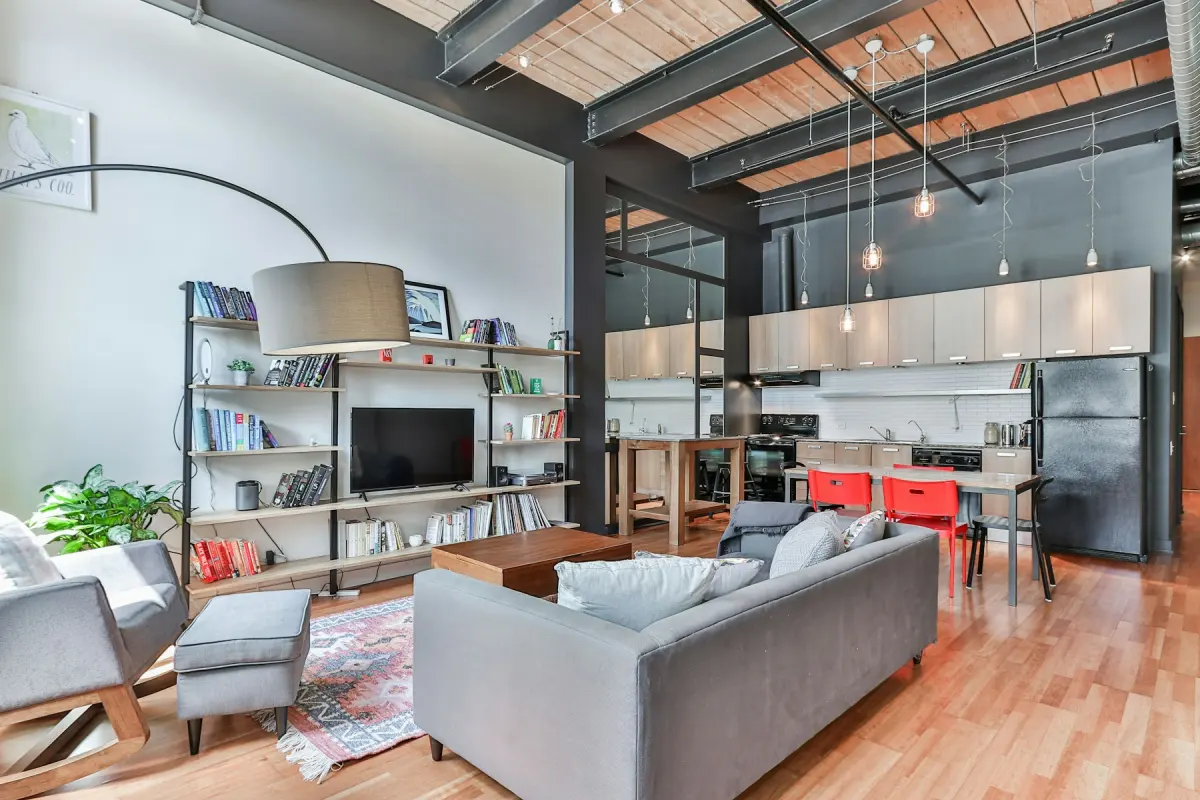
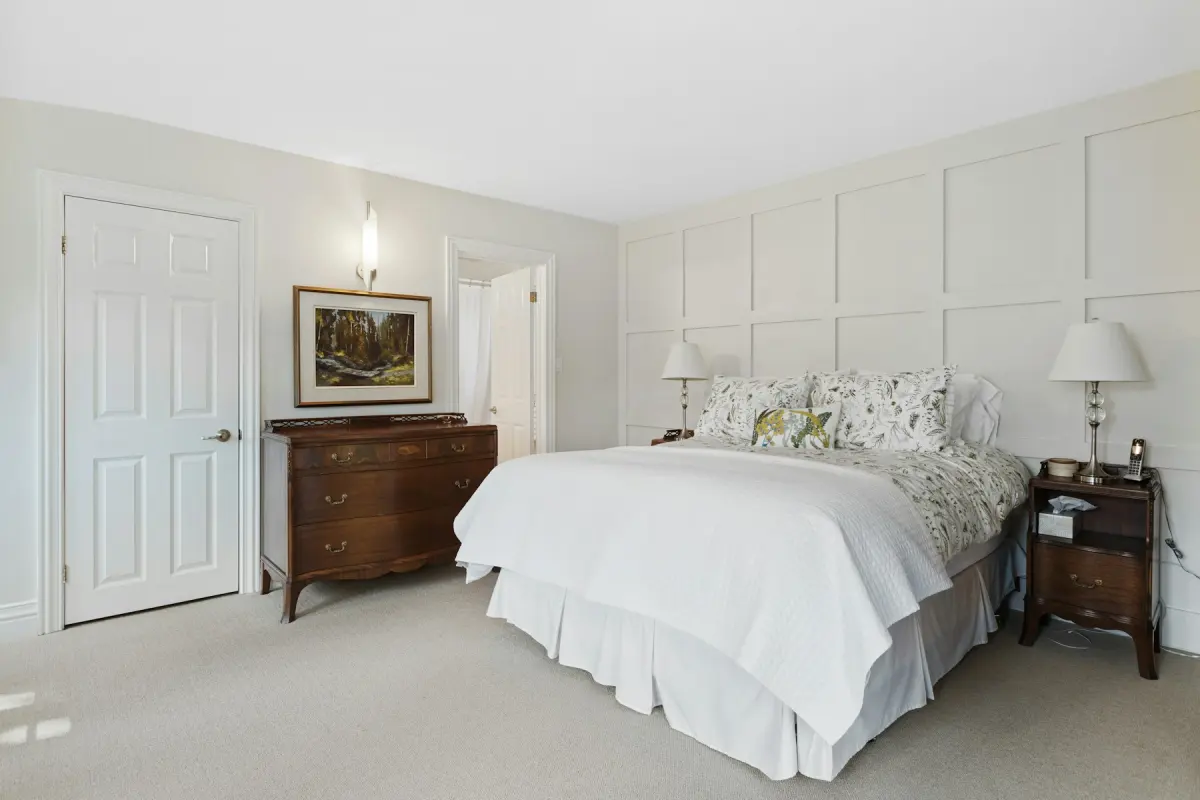
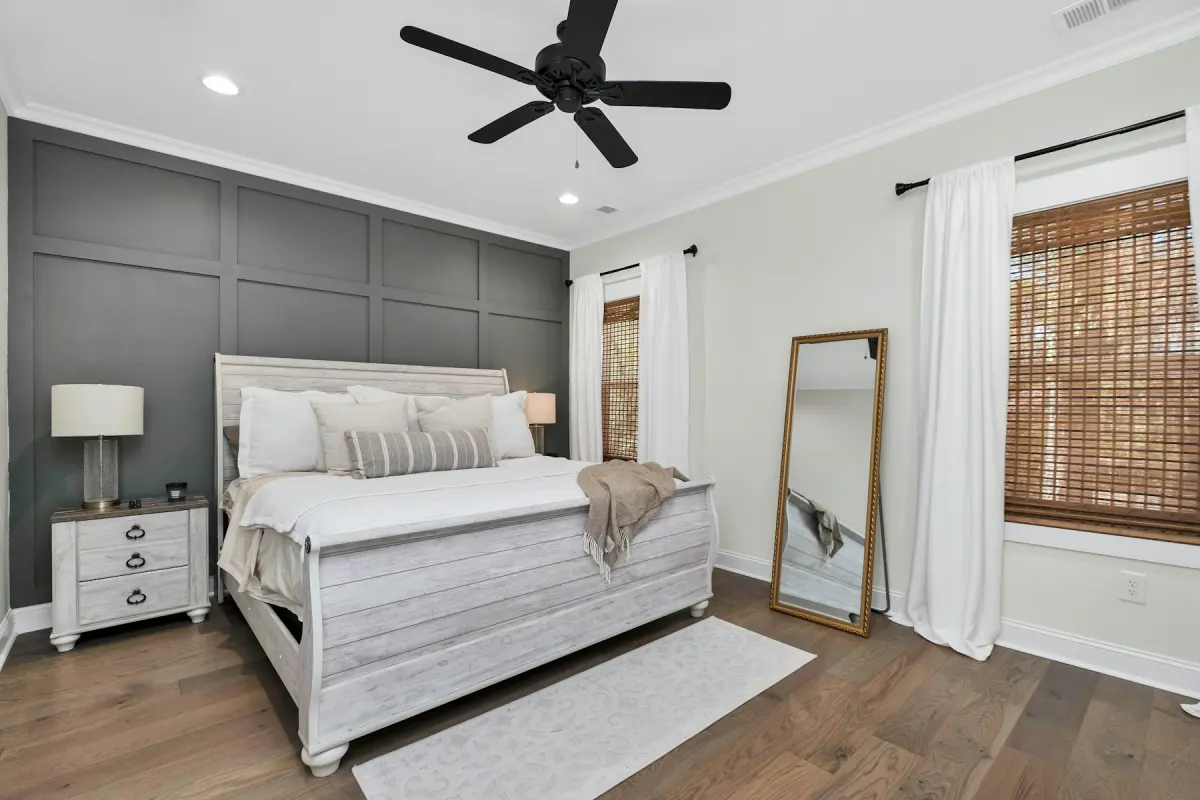
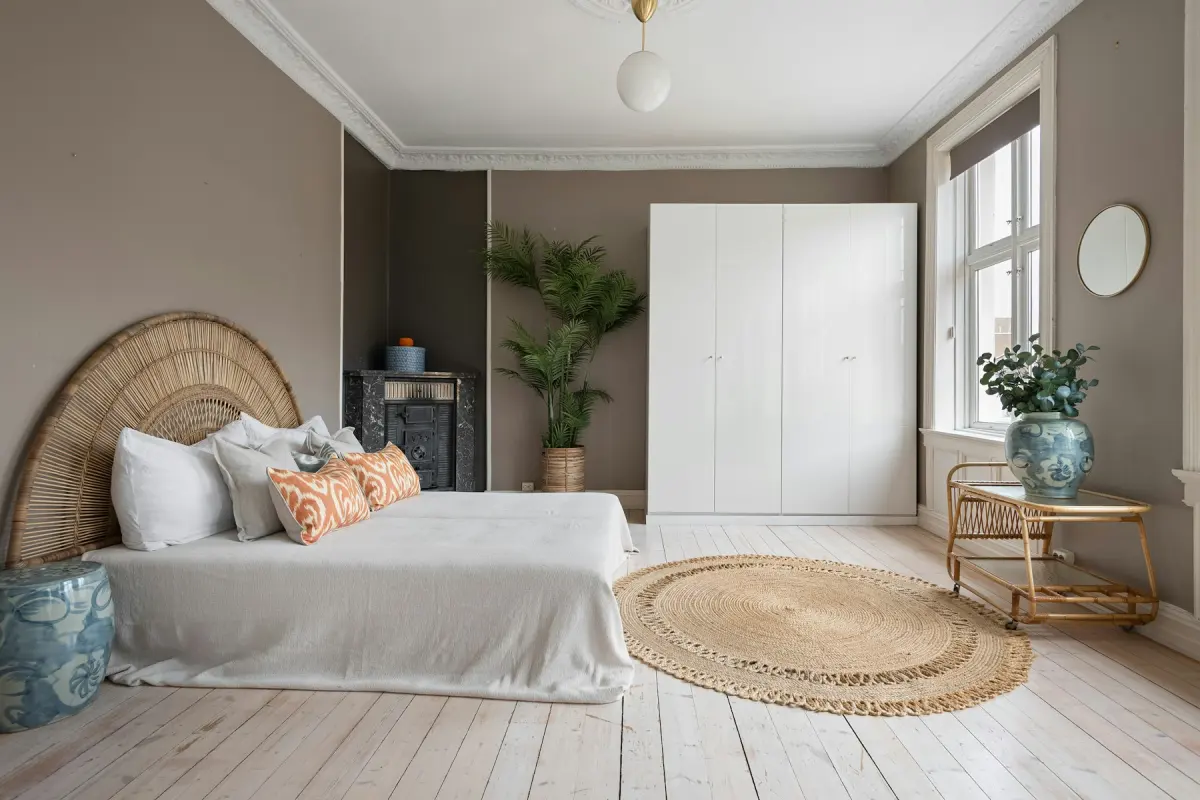
12 styles
Pick the look that fits the listing
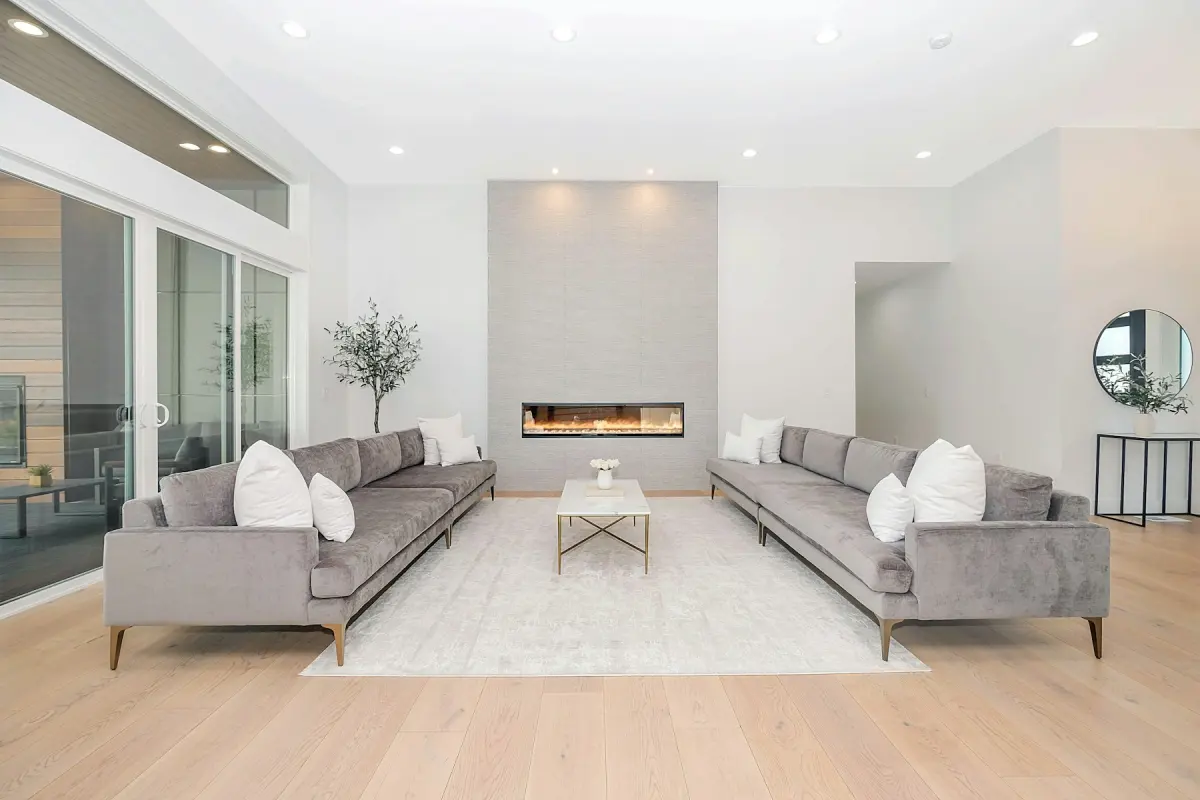
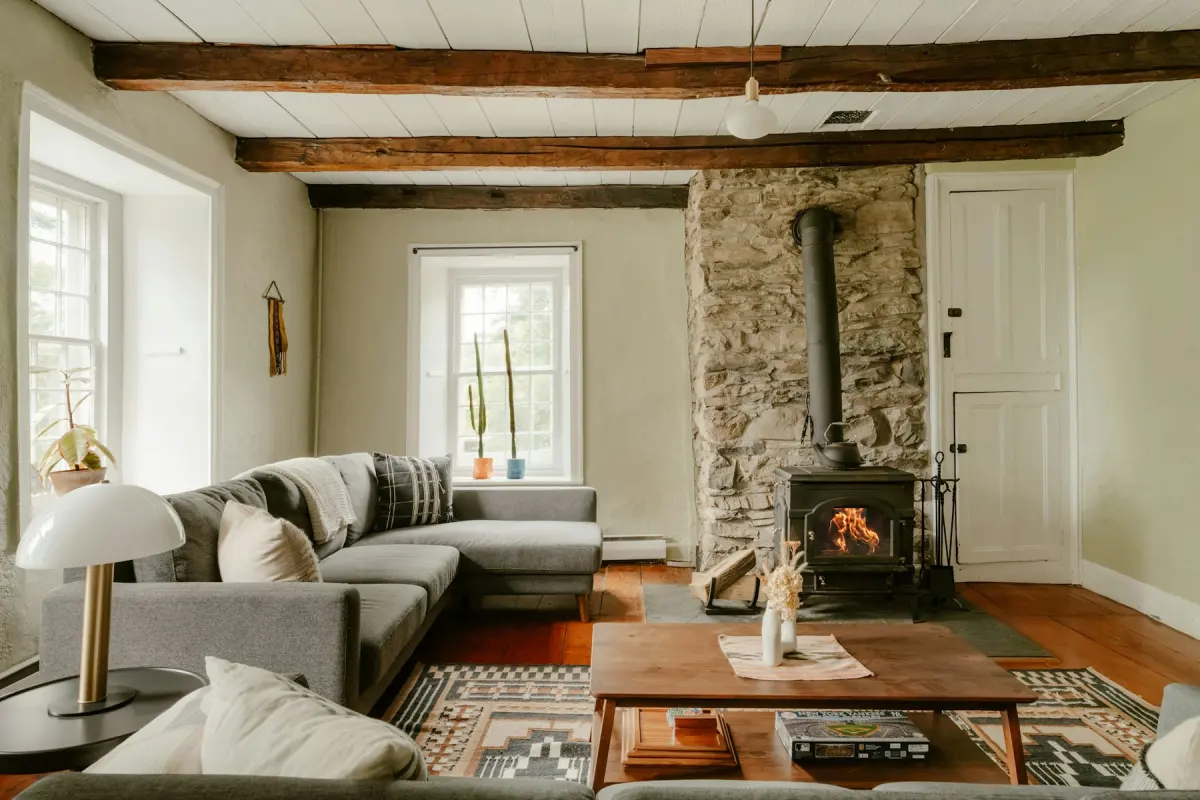
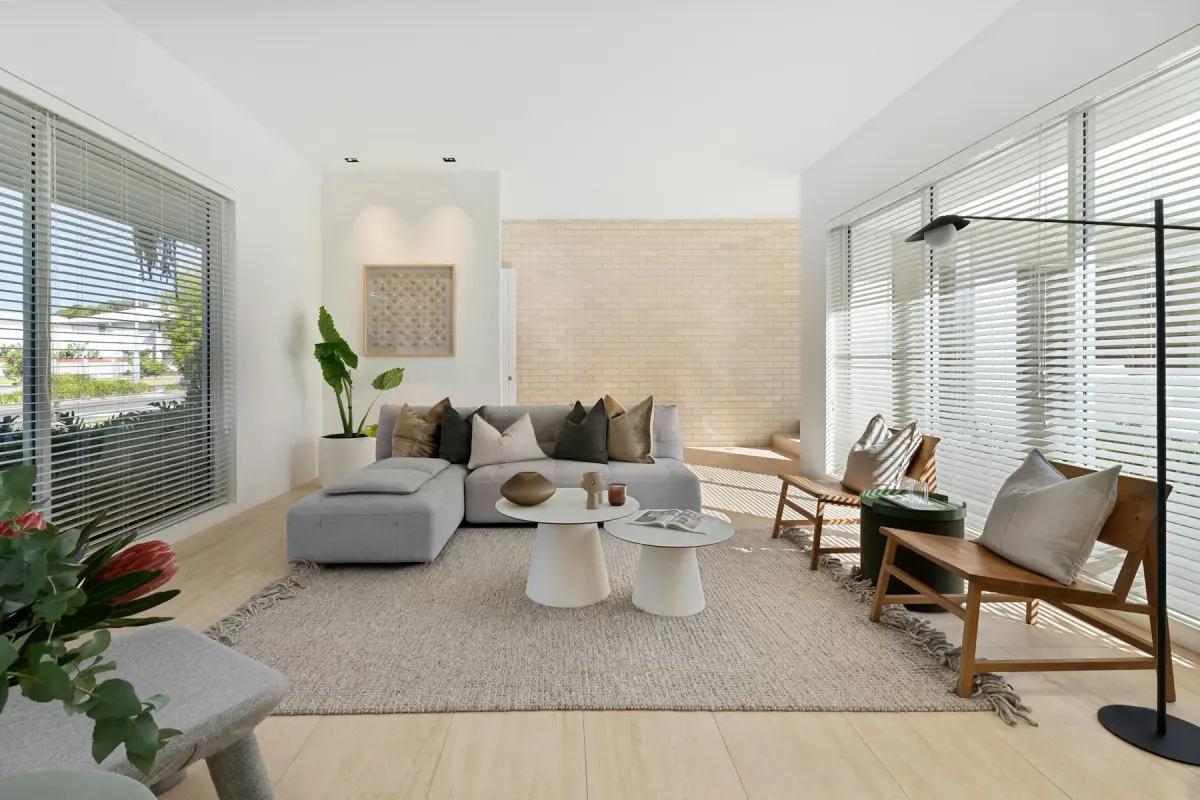
Every style is one tap in the generator. Choose a room type and a style, and the furniture, rugs and decor follow.



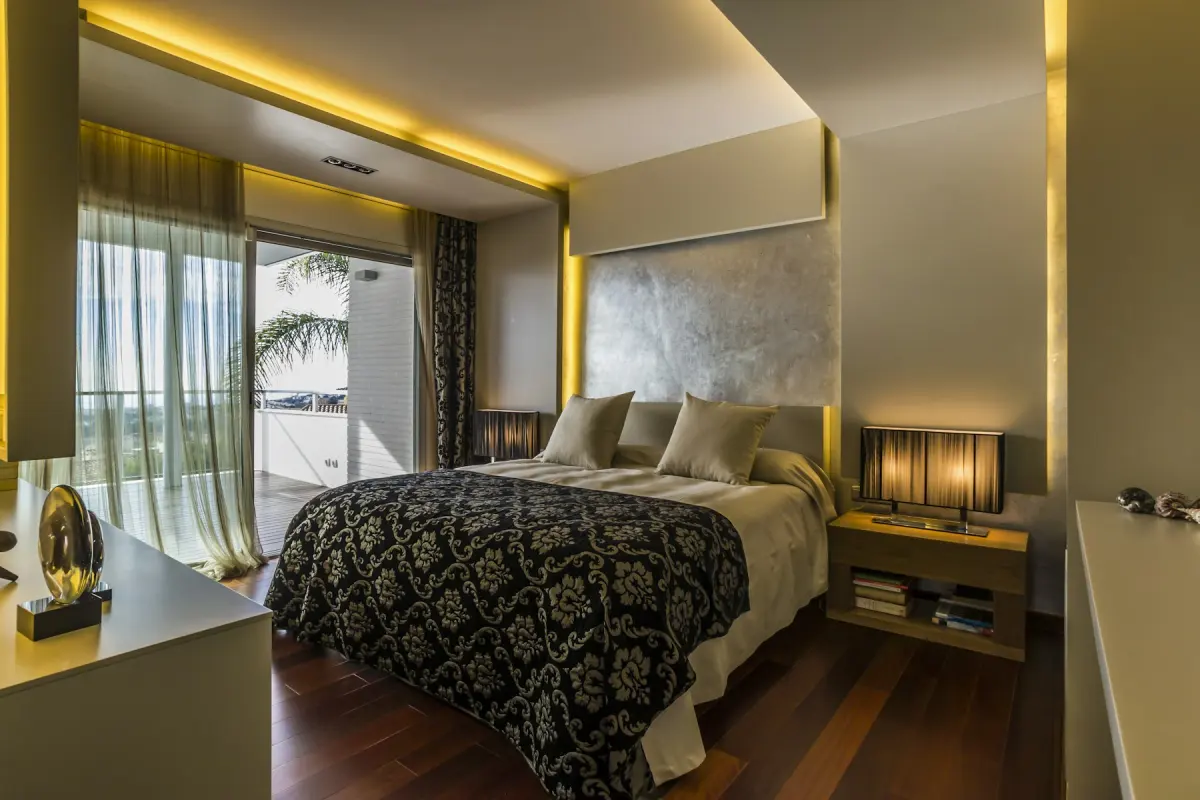
9 tools
Everything a listing photo needs
Staging is one job. The same generator also clears rooms, restyles them, fixes skies and turns day into dusk.
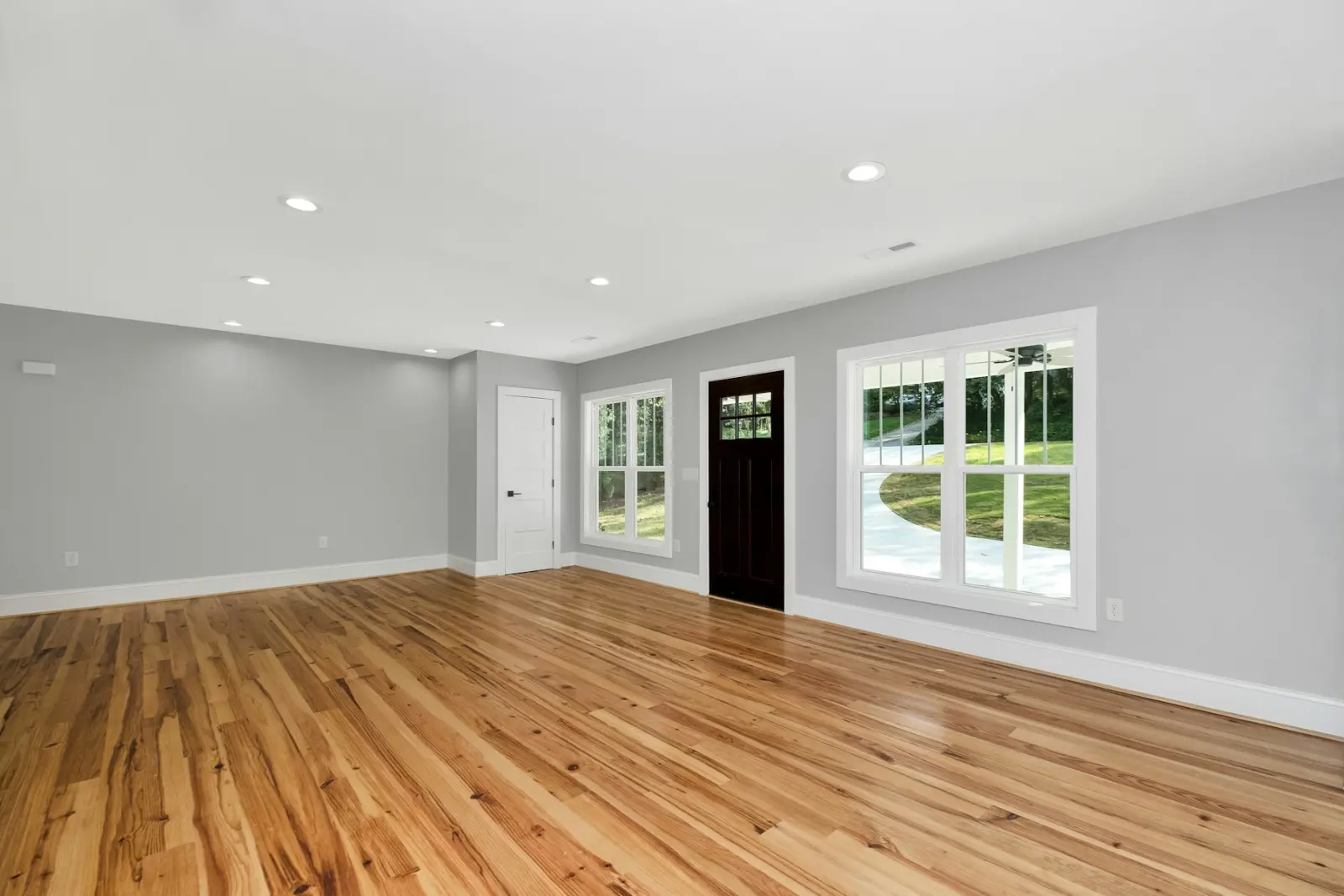
Furniture removal
Empty a furnished room photo; built-ins stay
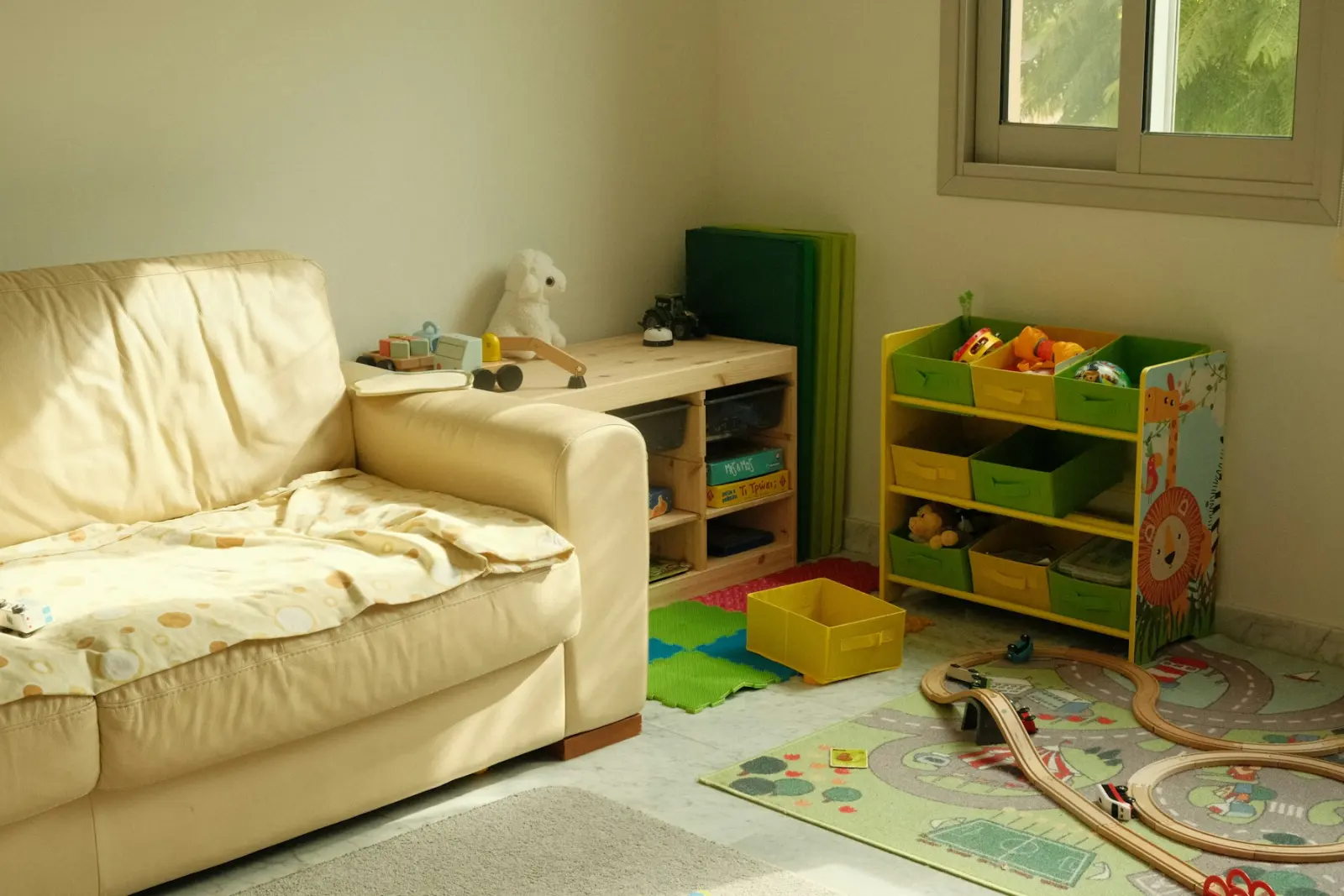
Room declutter
Clear clutter and personal items, keep the furniture
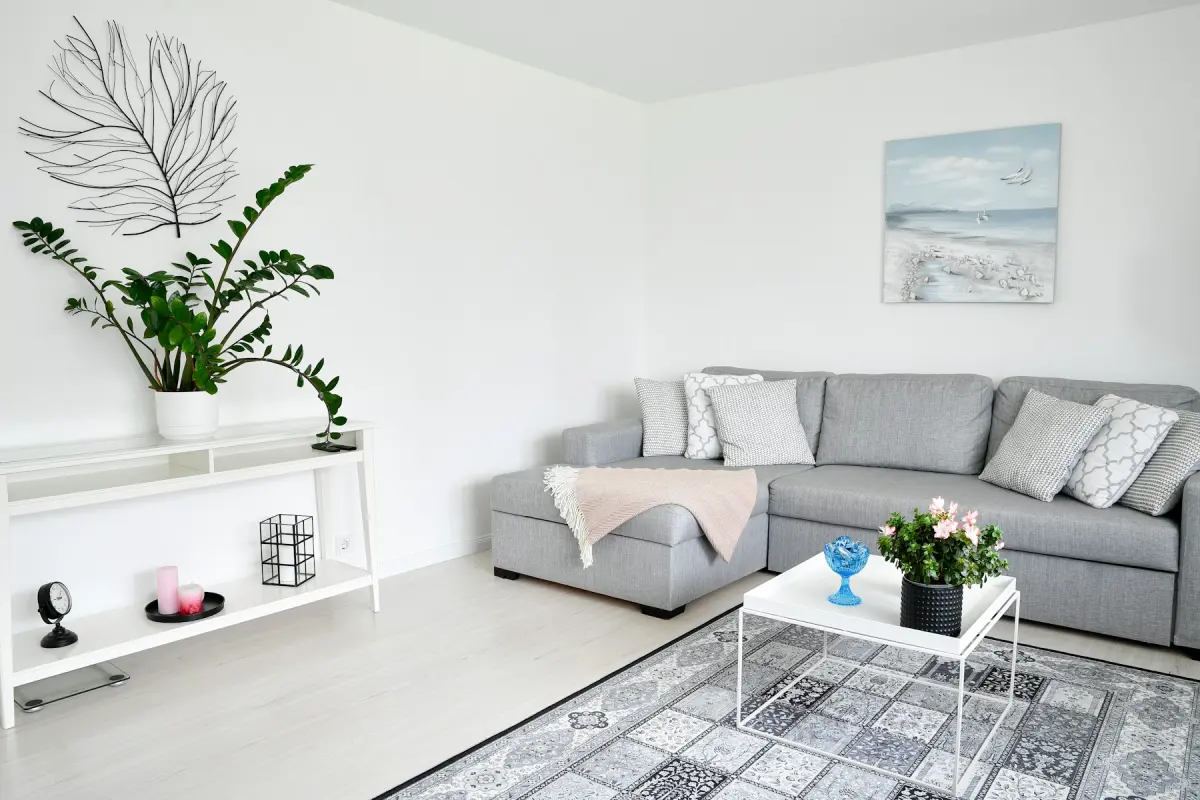
Room redesign
Restyle a furnished room in one of 12 styles
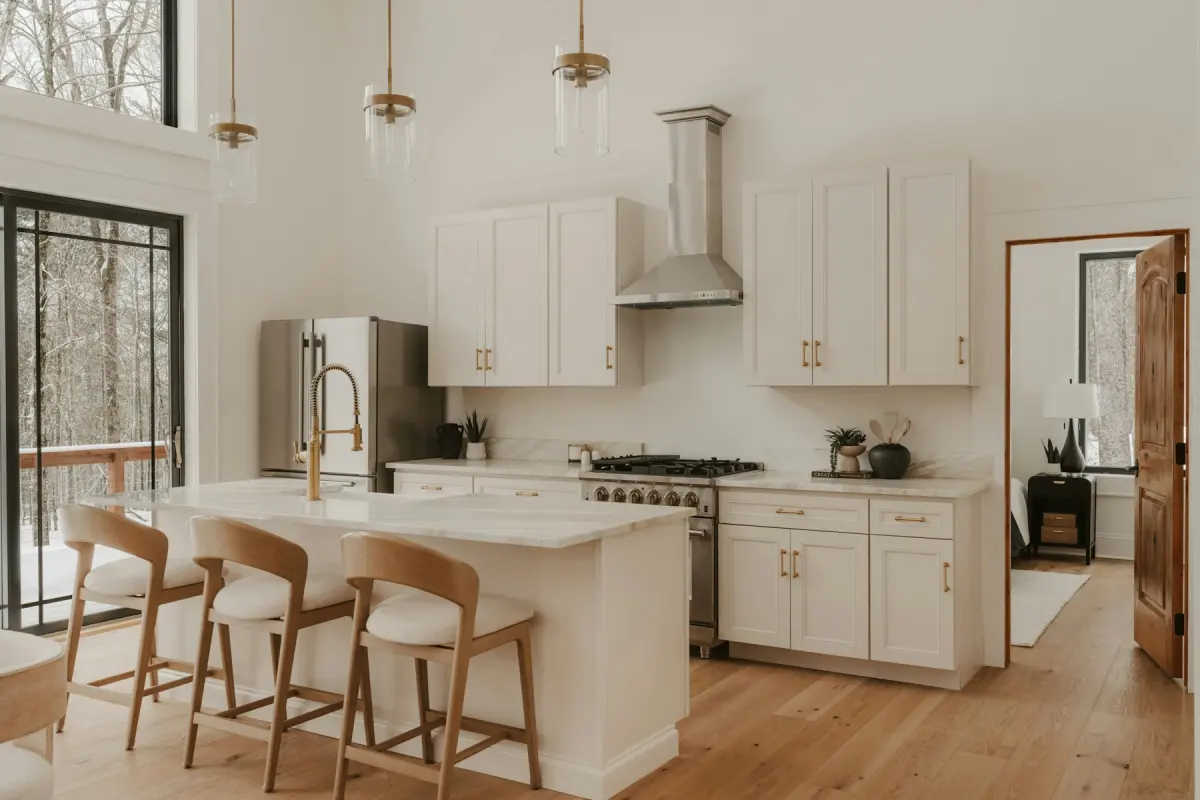
Virtual renovation
Preview new paint, floors, cabinets and tiles

Outdoor staging
Furnish an empty patio, deck or balcony
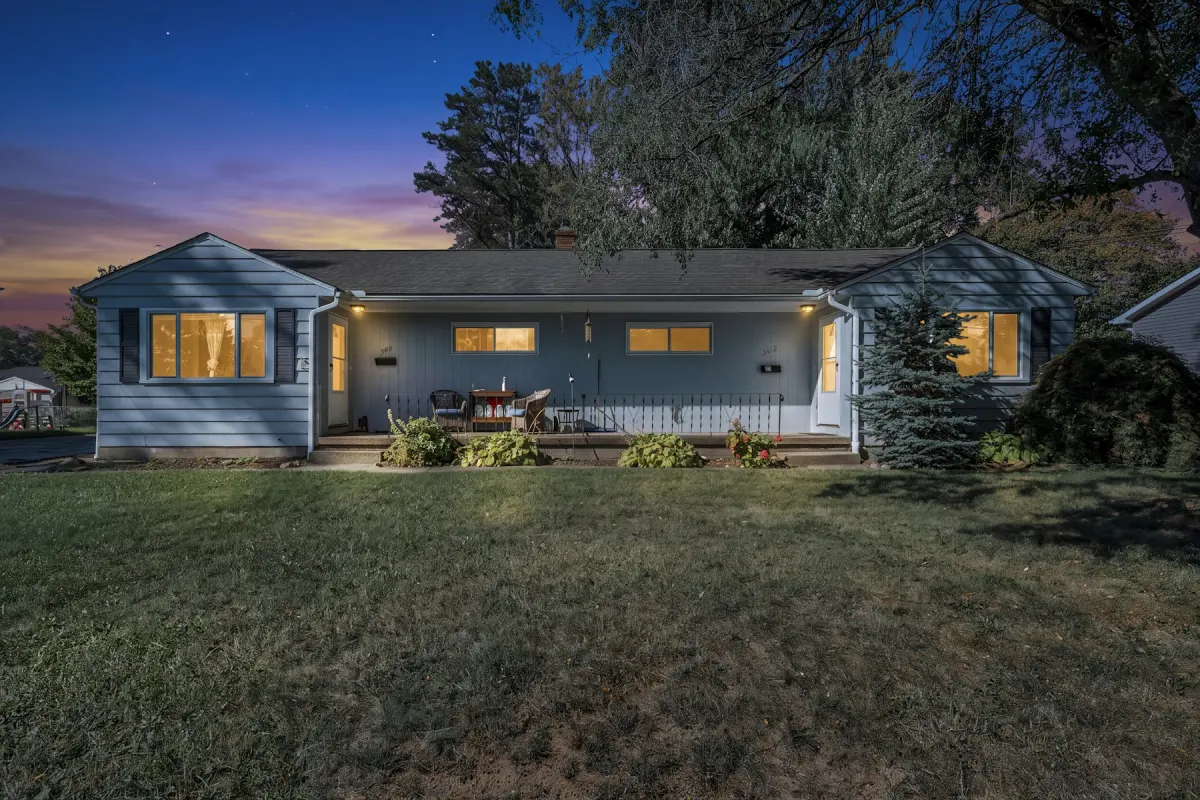
Day to dusk
Turn a daytime exterior into a twilight photo

Sky replacement
Swap a gray sky for clear blue with a few clouds
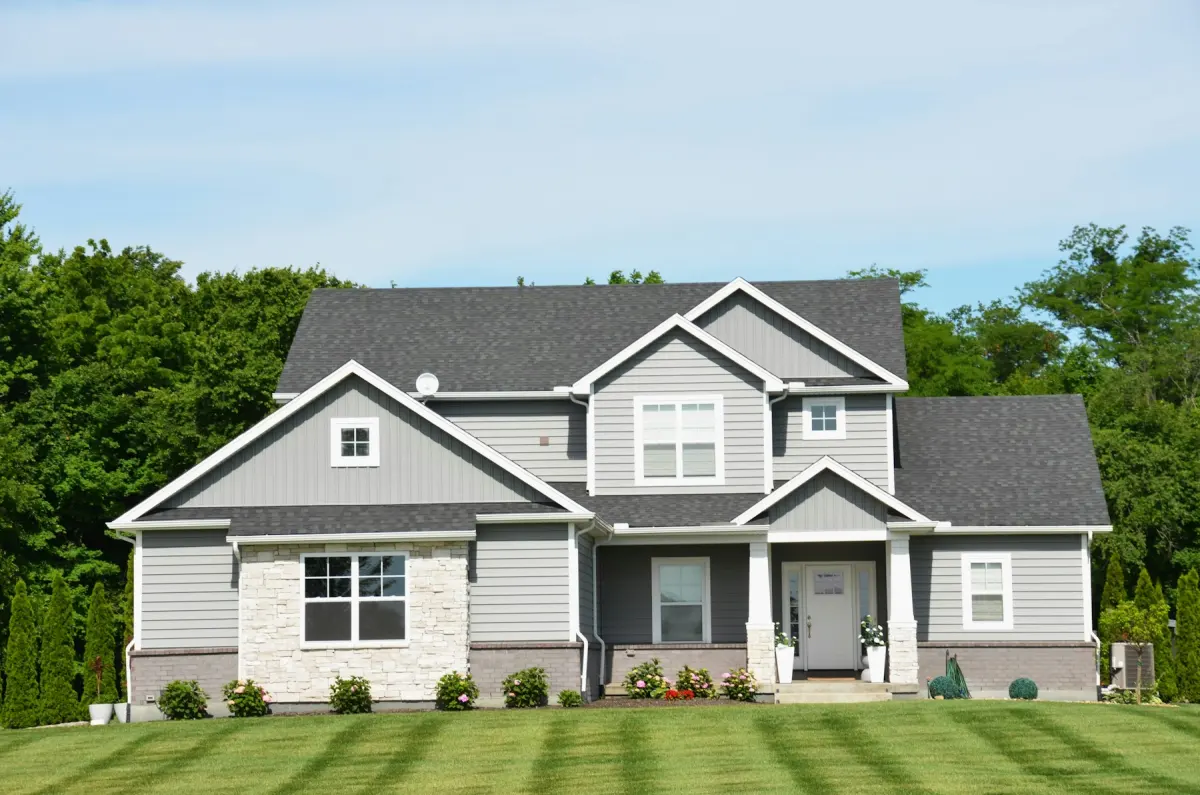
Lawn replacement
Turn brown, patchy or bare grass green and tidy
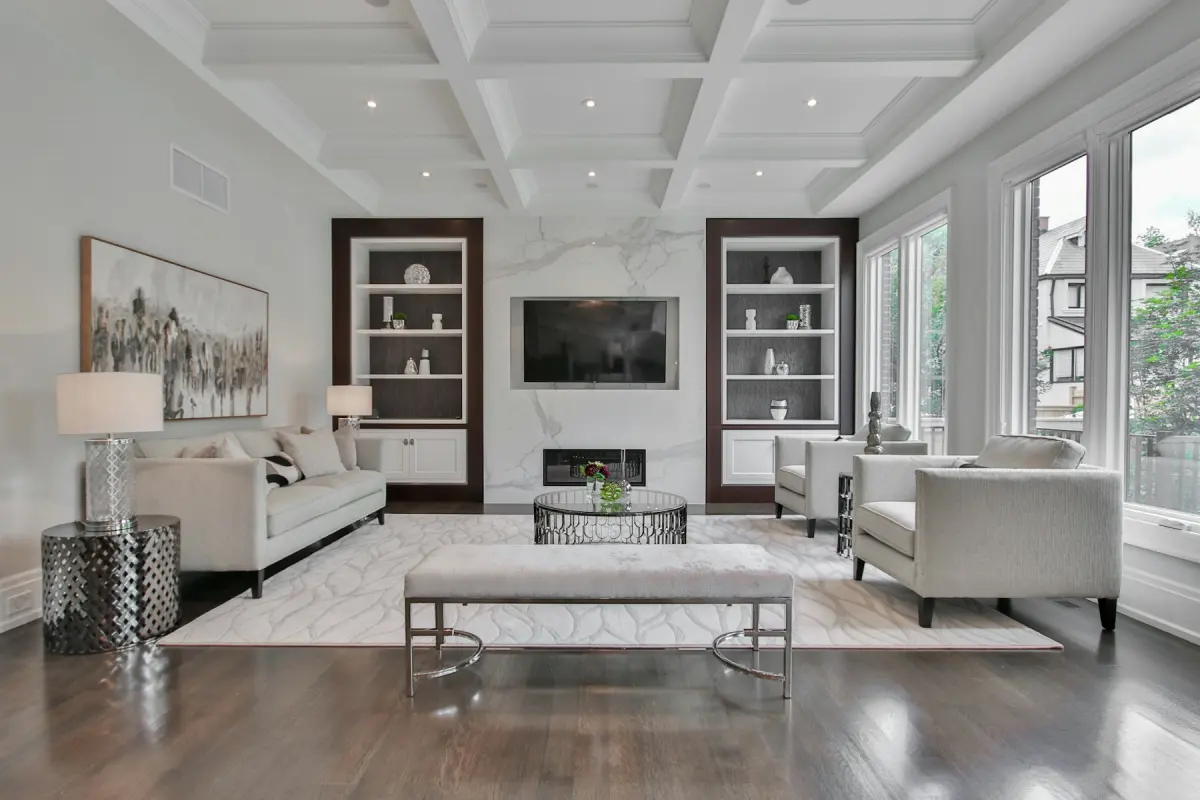
Disclosure label
Free: add “Virtually staged” to photos in your browser
3 steps
How virtual staging works here
Upload a photo
A JPG, PNG or WebP of the room, straight from your phone or camera. Shoot it empty, in daylight, from a corner.
Choose what to do
Pick a tool, the room type and a style. Add a short note if you want something specific, such as a sectional or a king bed.
Generate and download
Compare before and after with the slider, then download the photo in 2K or 4K. One checkbox adds a “Virtually staged” label.
What you get
Staged photos you can put in a listing
The room stays the room
Every request tells the model to leave walls, windows, doors and the camera angle alone and to change only what you asked for. Compare each result with your original before you publish it.
2K or 4K output
2K suits listing portals and social posts. 4K is there for print, brochures and large screens.
Disclosure label built in
Many listing services ask that staged photos are marked. One checkbox stamps “Virtually staged” on the download.
12 styles, 11 room types
From a Scandinavian living room to a Japandi bedroom: the room and the style are one tap each, with no prompt to write.
Kept for 14 days
Finished photos stay in your account for 14 days, so you can download them again from any device.
Runs on Nano Banana 2.1
Photos are edited by Google's Nano Banana 2.1 image model. Uploads and results pass automatic content checks.
Who it's for
Made for people who sell and rent homes
Each page shows the settings that suit that job.
- Real estate agentsStage a vacant listing and disclose it properly
- Real estate photographersAdd staging and exterior edits to a shoot
- Airbnb hostsTidy real photos and plan a room before you furnish
- Property managersList a vacant rental, or one the tenant is leaving
- Home buildersFurnish photos of spec homes and finished units
- For sale by ownerTidy, stage and label photos of a home you live in
- House flippersPreview the remodel, then stage the finished rooms
- Interior designersStyle directions on a photo of the client's room
Pricing
1 credit = 1 photo at 2K. A 4K photo uses 2 credits.
One-time payment · 5 photos at 2K · valid 30 days · One per account.
Starter
For a listing or two
- 40 photo credits
- All 9 tools, 12 styles
- 2K and 4K downloads
- “Virtually staged” label
Pro
For active agents and photographers
- 100 photo credits
- Everything in Starter
- Lower cost per photo
Agency
For brokerages and photo studios
- 220 photo credits
- Everything in Pro
- Lowest cost per photo
Prices are in US dollars. Depending on where you are, the payment page may show the amount in your local currency.
Questions about virtual staging AI
Short answers. The FAQ page has the rest.
Guides
How to shoot, stage and publish listing photos.
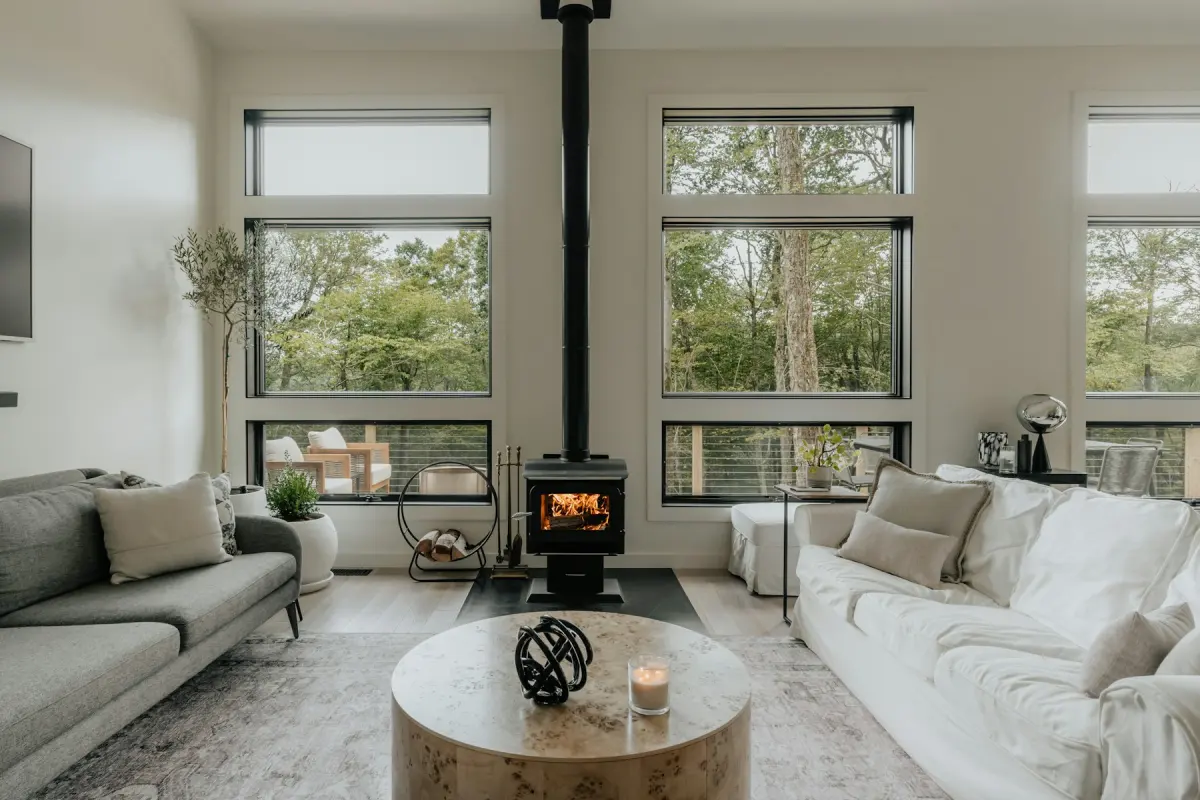
What Is Virtual Staging?
Virtual staging adds furniture to a photo of an empty room. See what it may change, what it must leave alone, who uses it and the risks to know.
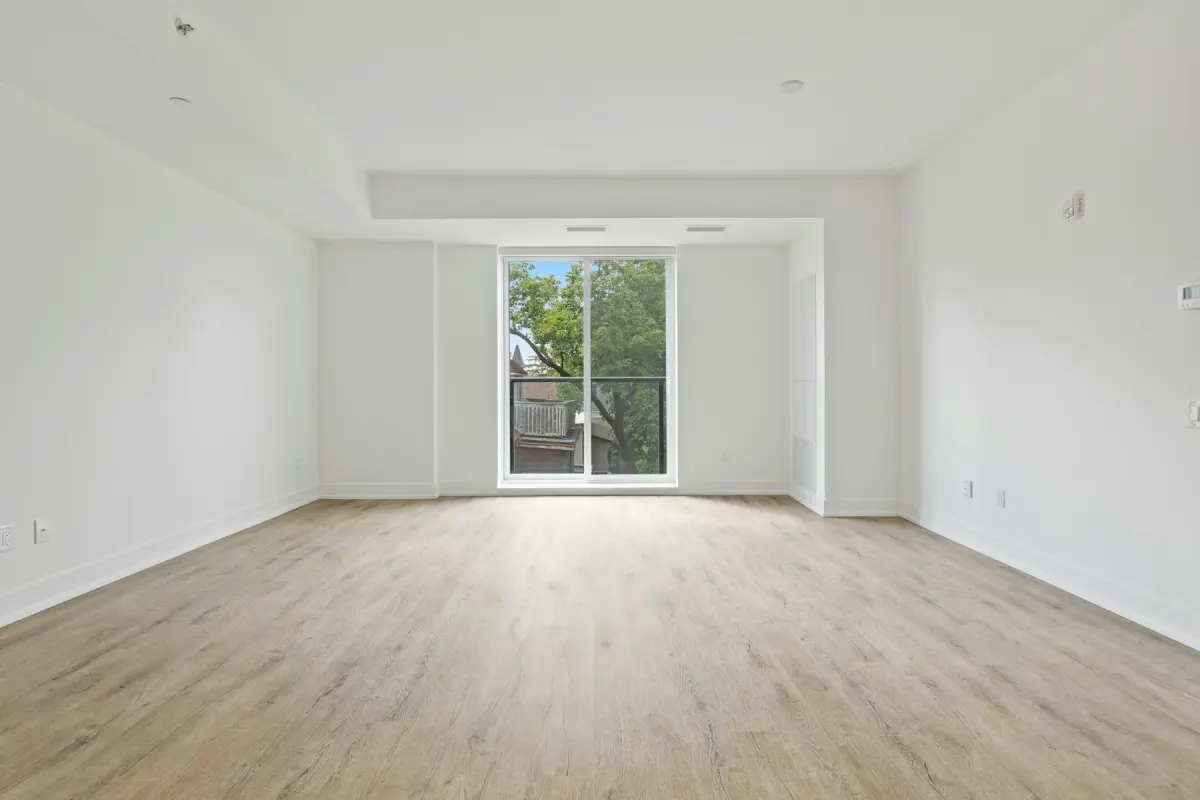
How to Virtually Stage an Empty Room with AI
Every step from photo to download: choose the mode, room and style, press Generate, check the result against the original and add a disclosure label.
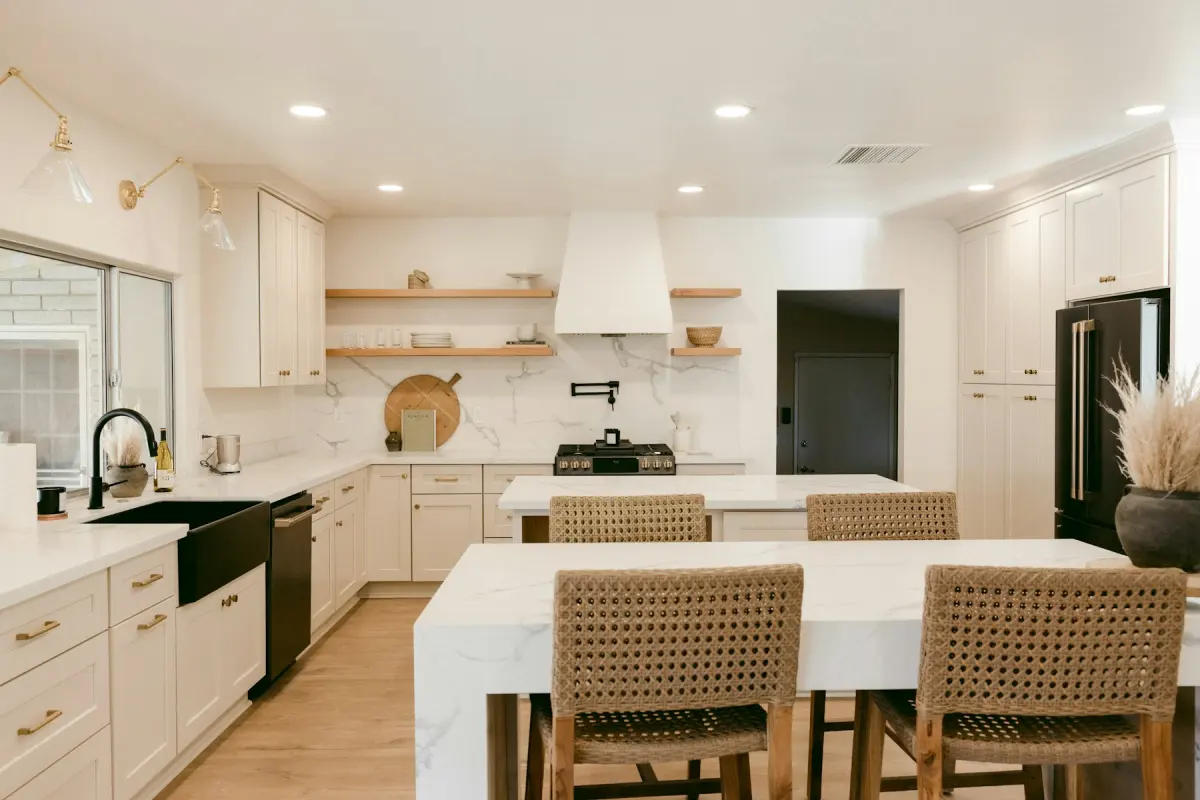
How Much Does Virtual Staging Cost per Photo?
Per-photo prices for AI tools, human designers and physical staging, each with its source and the date checked, plus how to read a subscription price.